
Bring Your Vision to Life with Ludo.ai’s Image Generator
Instantly visualize your game world by creating stunning concept art, gameplay screenshots, icons, and assets with simple text prompts.
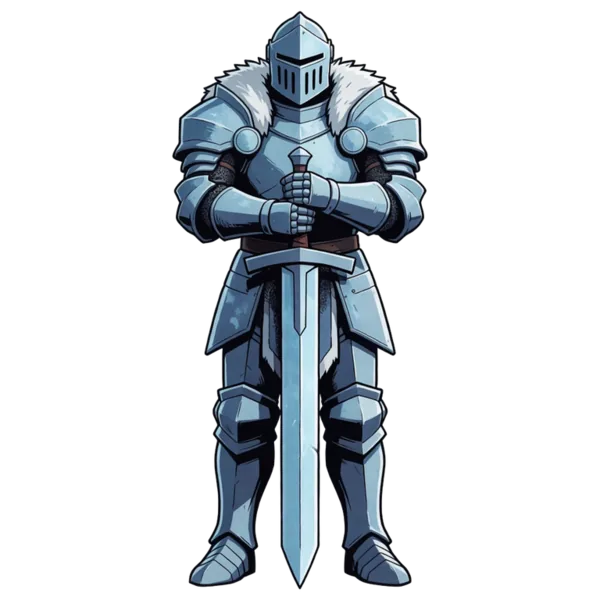
Armored frost knight, front view, greatsword held point-down
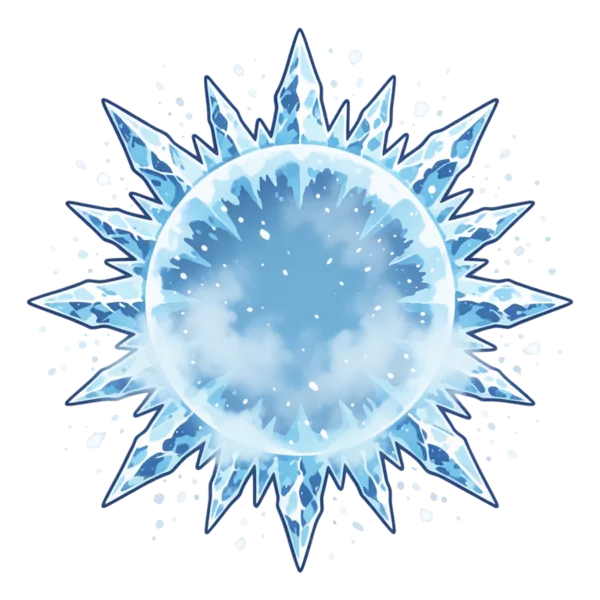
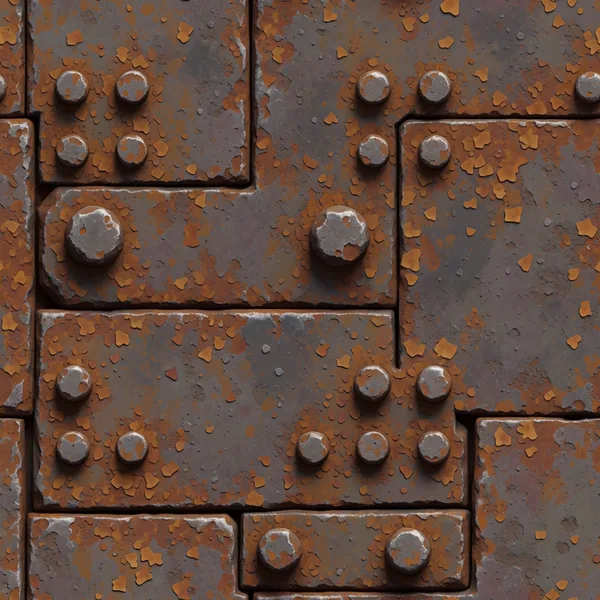
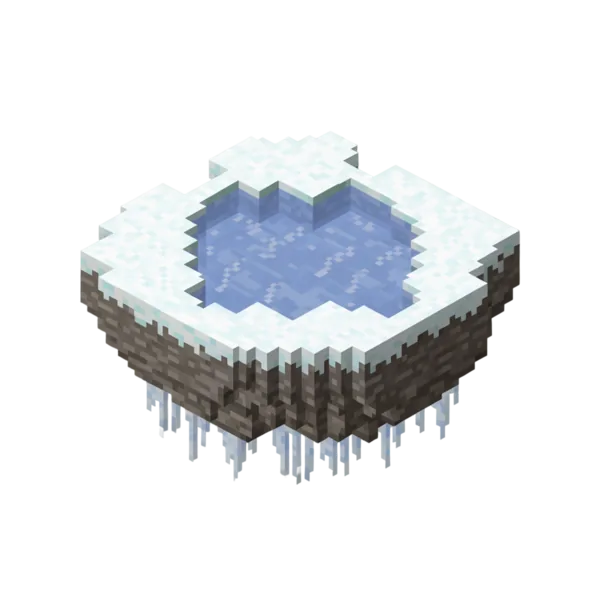
What is an AI Image Generator?
An AI image generator turns text prompts or reference images into game visuals. Ludo.ai's Image Generator creates concept art, gameplay mockups, icons, sprites, tiling sprites, UI elements, fixed and scrolling backgrounds, parallax layers, and textures across 23 image types and 32 art styles. A built-in editor lets you edit with a mask, generate from a reference image or in its style, erase objects, and remove backgrounds, then export PNGs ready to drop into your game.
How It Works
Choose a Mode & Prompt
Pick a generation mode - generate new, from a reference image, or edit - choose an image type like art, sprite, icon, or background, and describe what you want.
Generate & Refine
Ludo.ai generates image variations. Use the integrated editor to inpaint with a mask, change the style, colors, or view, erase objects, or remove the background.
Export Your Asset
Download finished images as PNGs - with transparent backgrounds when you need them - ready to drop straight into your game project.
Every 2D Asset Your Game Needs


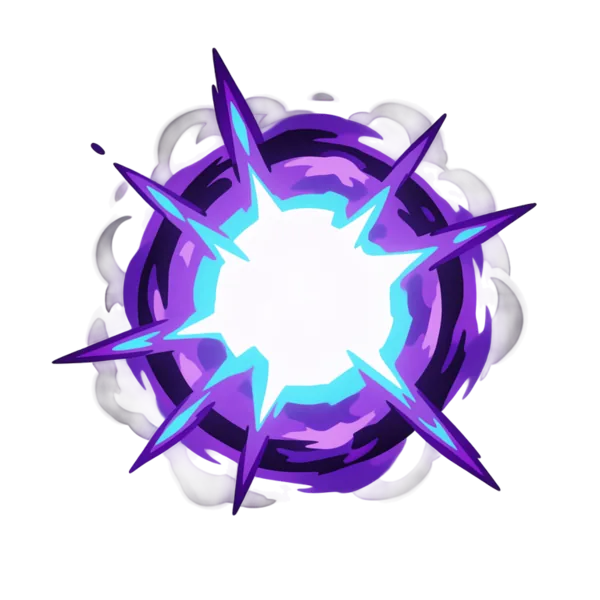


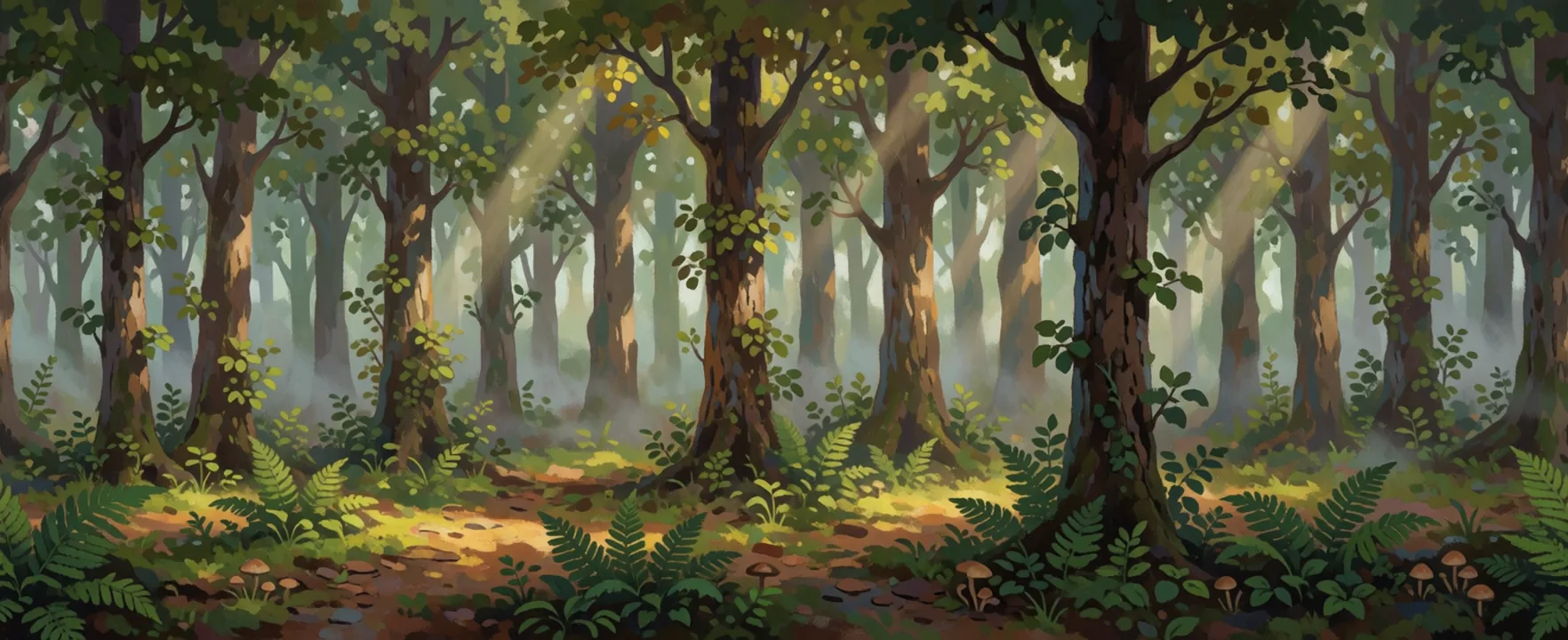
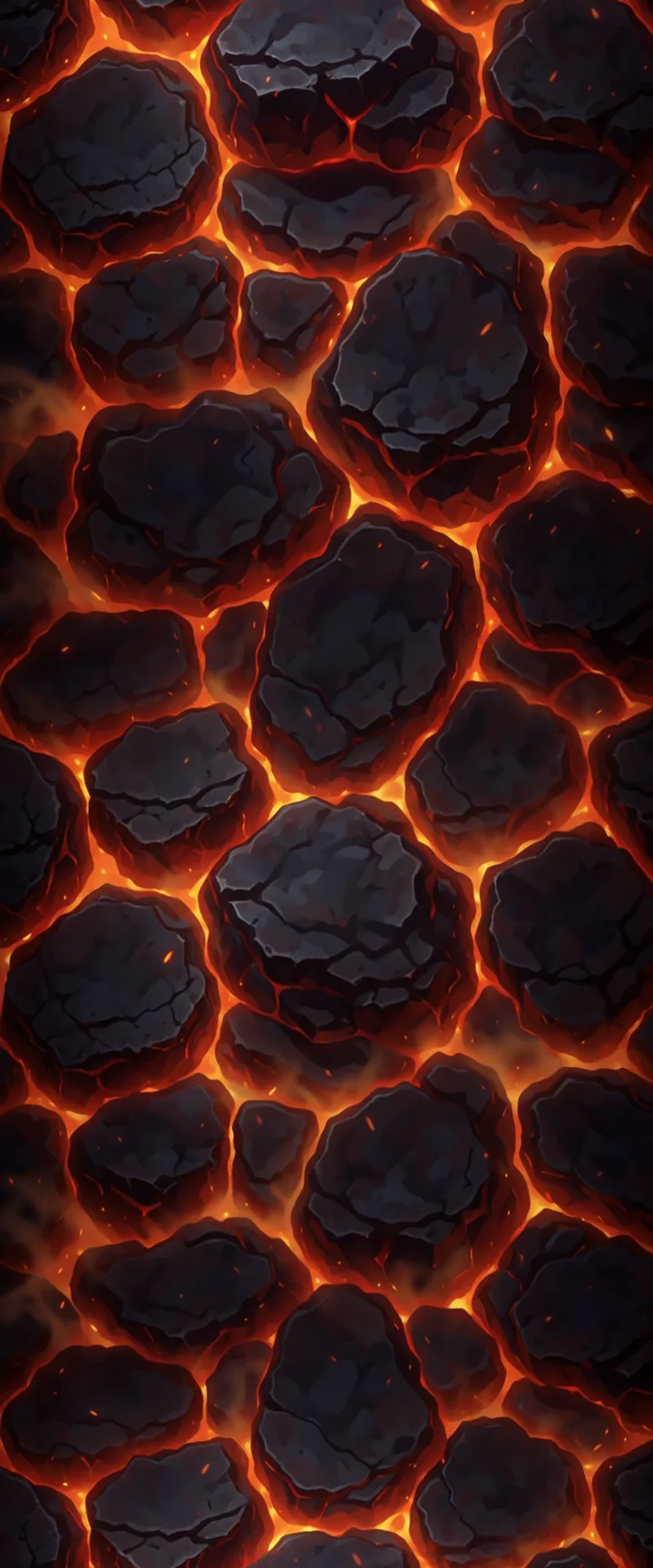
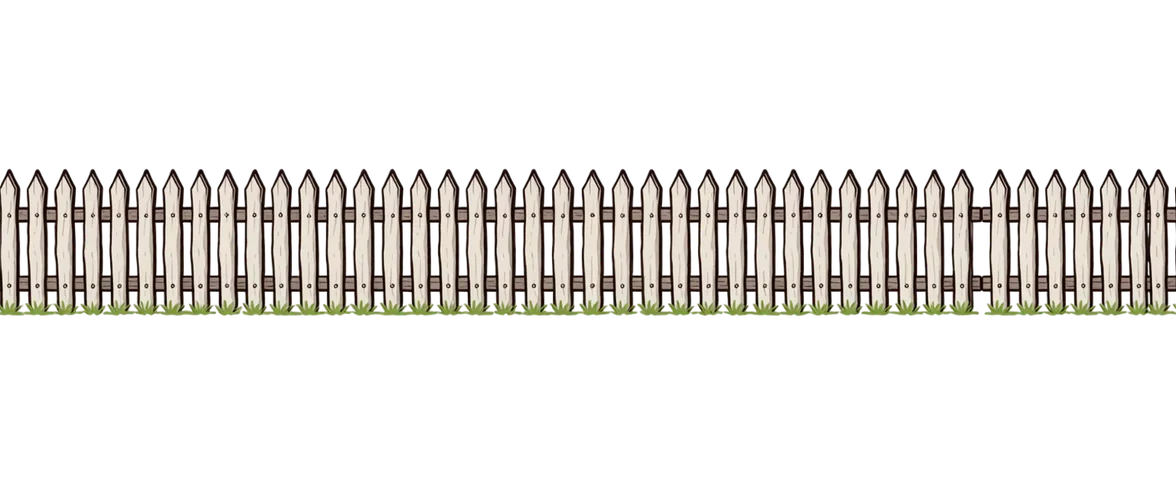
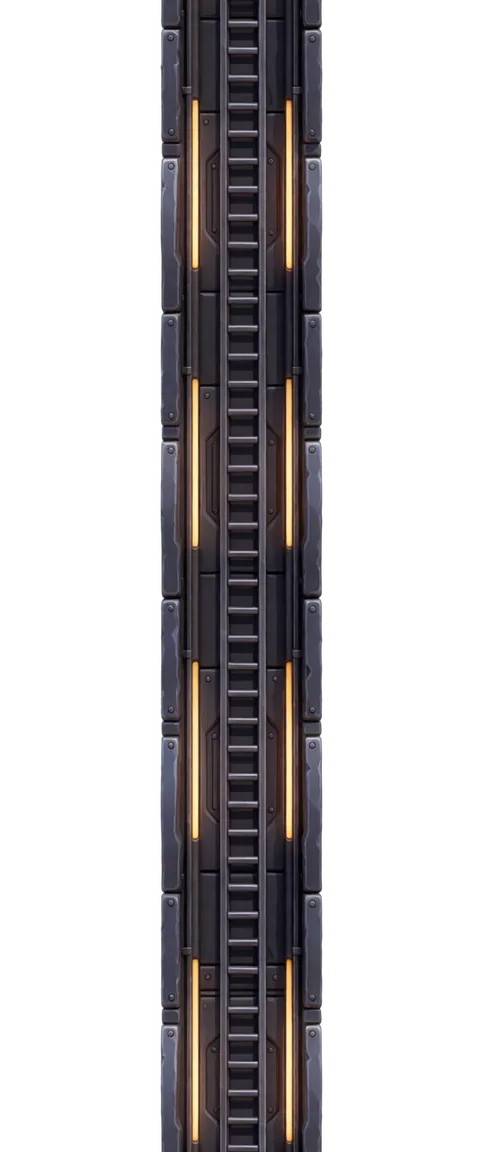
Over 30 Pre-Defined Art Styles


Don't Start Over. Iterate!
Edit any sprite or image with a follow-up prompt - Ludo keeps the style, pose, and identity of the original, and changes only what you ask for. Build an asset, then evolve it.


"The value of Ludo for this project was iteration. I could explore mode-specific backgrounds, character variants, and UI art, select the strongest direction, and bring the results into the game without losing the overall art style."- Jay Weasel, developer of Kawaii Slime Drop · read the story
API & MCP Integration
Connect Ludo's generative AI to Claude, Cursor, or your own apps. Automate asset creation and streamline your game development pipeline.
Images & Animation
Generate sprites, icons, UI assets, textures, and backgrounds. Create spritesheet animations from your art.
Video & 3D
Generate videos from images with motion prompts. Convert 2D art into textured 3D models.
Audio
Create sound effects, music tracks, and character voices. Clone voices for text-to-speech.
FAQ
What can I create with Ludo.ai's Image Generator?
It produces a wide range of game visuals from a single prompt, across 23 image types: concept art, gameplay mockups, icons, sprites, VFX sprites, tiling sprites that repeat without a seam, assets, fixed and scrolling backgrounds, parallax layers, textures, map tiles, logos, and UI elements. It's built for prototyping, pitching, and building a visual reference library for your game.
Can I edit images after generating them?
Yes. The integrated editor goes well beyond generation. Use Edit Image for broad changes to style, colors, or camera view, Edit with Mask to replace or edit a specific area, Erase with Mask to remove an object cleanly, and Remove Background to isolate a subject - all without leaving Ludo.
What art styles are available?
You can generate in 32 predefined art styles, including five tiers of pixel art from chunky 8-Bit to fine Hi-Bit, plus anime, hand-painted, watercolor, low poly, voxel, comic book, claymation, and photorealistic looks - so you can match your game's aesthetic from the start.
Can I generate images from a reference image?
Yes. Upload a reference image and create new visuals that adopt its style, its subject, or both, or re-imagine it into something new. This keeps generated assets visually consistent with art you already have.
Does it support transparent backgrounds?
Yes. The Remove Background action isolates your subject on a transparent background, and finished images export as PNGs - ideal for sprites, icons, and assets you need to layer over other artwork.
What aspect ratios can I generate?
You can choose from several aspect ratios - including 1:1, 4:3, 16:9, 19:9, and portrait formats like 3:4, 9:16, and 9:19 - or let Ludo pick one automatically based on the image type. Auto is also the only route to the ultra-wide 21:9 and 9:21 canvases used for scrolling and parallax backgrounds.
Is the Image Generator available via API or MCP?
Yes. Image generation, editing, background removal, and style-matched generation are all available through the Ludo API and MCP server, so you can wire them into your own tools and pipelines.